
Inside a White-Glove Delivery Job, Step by Step: From Quote to Proof-of-Delivery
Follow a single white-glove delivery from the first email to the signed proof-of-delivery, and see where the software either helps or gets in the way.
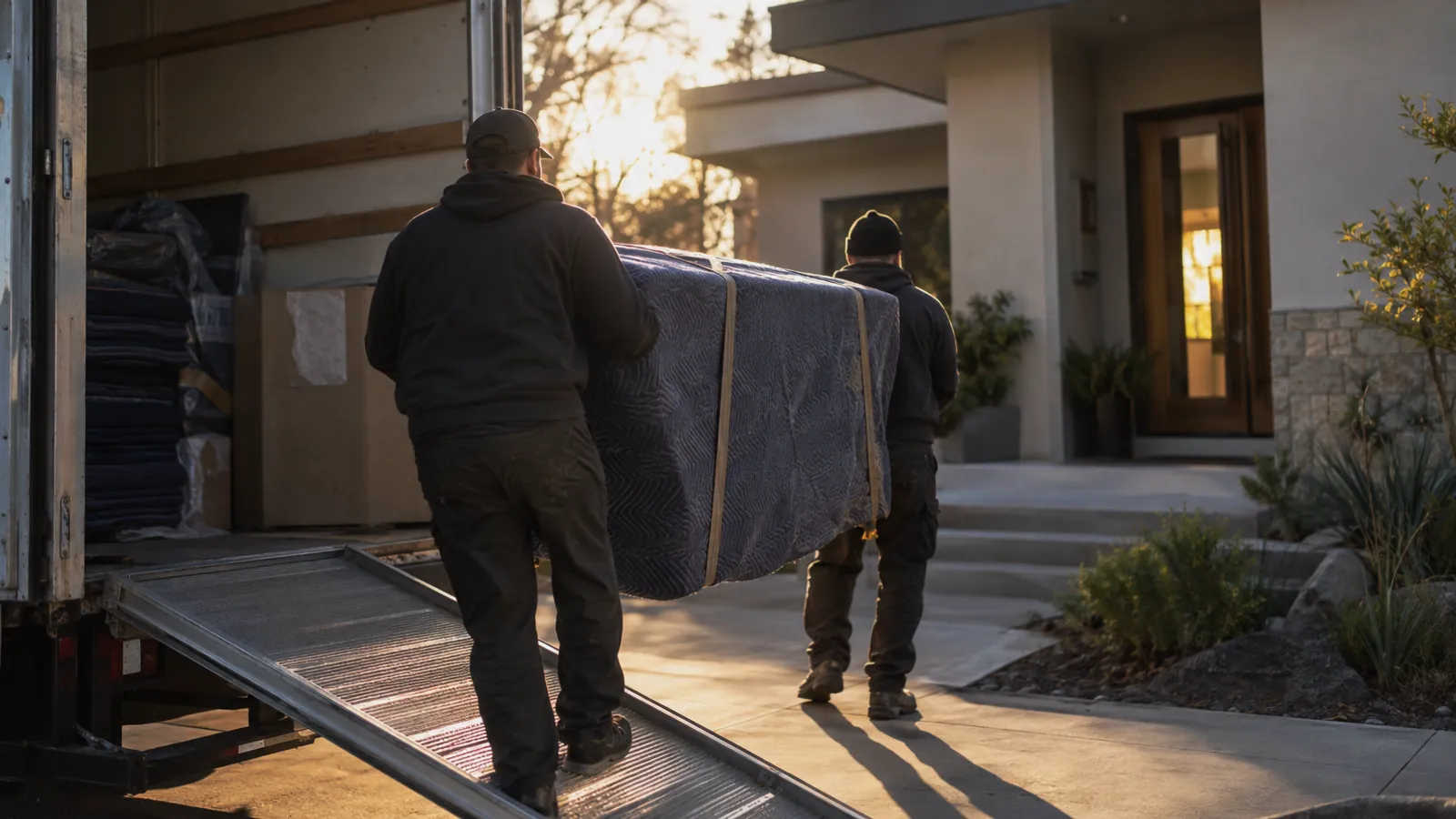
From the curb, white-glove logistics looks easy. Two people in clean shirts carry a nice piece of furniture into a nice house. Inside the operation, that one job touches eight or nine systems and a dozen people, and most of them never see each other. Here is one job, start to finish, with notes on where white-glove delivery software earns its keep and where most tools quietly let you down.
Step 1: The inbound request
The job arrives as an email or a portal submission from a recurring client. The piece is a mid-century credenza valued at $11,000. Pickup is at a gallery in the design district, delivery to a private residence twenty miles away.
Good software captures this as a structured work-order request from the first minute: client, pickup address, destination, item description, declared value, target window. Bad software captures it as a free-text email that someone retypes into a scheduling tool on Monday morning, usually with one digit of the address wrong.
Step 2: The quote
The dispatcher checks the calendar, picks a window, and sends back a quote. $485, including a two-person crew, blanket wrap, and thirty minutes of placement time. The client confirms the same afternoon.
Billing matters even this early. The quote should create a draft invoice in the system, tied to this service request, so that when the job completes the invoice updates on its own. Nobody retypes the number. Nobody reconciles it later.
Step 3: Pickup at the gallery
The crew arrives, scans the QR label on the credenza, takes six-side intake photos, notes a small scuff on the back-left foot, and gets the gallery manager's signature. On a phone. Under five minutes.
Those intake photos are the most valuable thing produced on the whole job. They are what keeps a damage question three weeks from now from turning into a long and expensive conversation. The condition record has to live on the item itself, not in a folder somewhere that only the dispatcher knows about.
Step 4: Transport
The service request flips to "in transit" the moment the truck pulls out. The client gets a notification with an ETA. Back at the office, the system shows who is on which job, in which truck, headed where, so dispatch can shuffle things if a stop runs long.
Step 5: Delivery
The crew places the credenza where the homeowner wants it, takes placement photos, captures a signature, and marks the service request complete. The status goes to "delivered," the draft invoice becomes a final invoice, and the auto-pay method on file is charged within minutes. The crew is already driving to the next stop.
Step 6: The audit trail
A week later the gallery emails about a minor finish issue on the credenza. Dispatch pulls up the service request in about thirty seconds. The intake photos show the original scuff, which is nowhere near the area in question. The delivery photos show the piece intact in the room. Every handoff has a timestamp. The conversation that could have been twenty emails is one email with the photos attached.
This loop is what pays for the software. Everything captured in real time becomes an audit trail that settles disputes, backs up the invoice, and tells you what this kind of job really costs so you can bid the next one better. If the client also keeps pieces in your facility between deliveries, the same record feeds the storage software underneath, so there is one history for the item instead of two.
What this all adds up to
A single job is a story. Your software either writes that story as it happens or asks your team to retell it three times in three tools. The operators who treat their software as the system of record, rather than a scheduling tool with a calendar view, end up with fewer disputes and faster billing, and the gap widens every year.
The credenza got there. The client knows it got there, and the gallery got its answer in one email. That is the product you are selling. Pick a tool that treats it that way.