
The Modern Moving Company Tech Stack in 2026: From Quote to Final Signature
What software actually runs a moving and relocation business in 2026, and where the seams between tools cost you money.
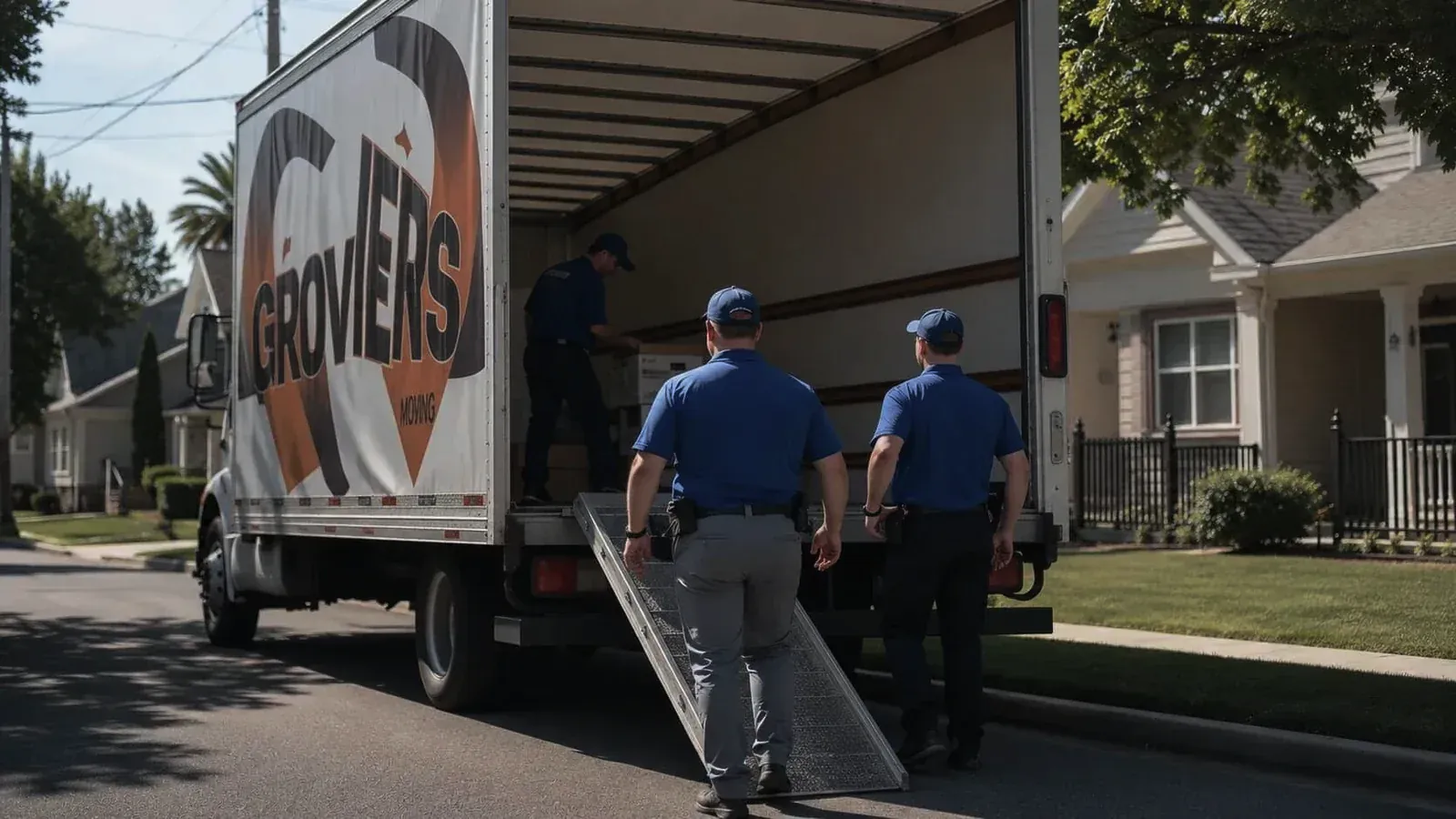
Ten years ago a moving company ran on a phone, a spreadsheet, and a paper inventory list on a clipboard. Five years ago it ran on three or four SaaS tools that didn't talk to each other, held together with email and a lot of retyping. The operators winning on margin today have collapsed all of that into one platform, or at least into a small set of tools that are actually wired together.
The reason is not complicated. Every seam between two pieces of software is a place where somebody has to type the same thing again, and every place somebody types the same thing again is a place it can be wrong or missing. Seams cost labor. Seams delay the invoice. Moving is a thin-margin business, and the seams eat the margin.
The job lifecycle, end to end
A residential or commercial move follows the same sequence almost every time. The software should follow it too, without a customer or a crew member ever typing the same thing twice.
- Lead and quote. The customer fills out a form or calls. The quote comes from inventory volume, distance, crew size, and service level.
- Booking and deposit. They accept the quote, sign digitally, and put a deposit on a card.
- Pre-move survey. Remote by video walkthrough, or in person. Photos captured, item counts confirmed.
- Crew dispatch. The crew sees the job on a mobile app: address, item list, special handling notes, the customer's number.
- On-site intake and packing. The crew photographs items as they load, flagging any pre-existing damage right then.
- Transit and delivery. Status updates flow back to the office and to the customer on their own.
- Signature, invoice, payment. The customer signs on the crew's phone or tablet. The final invoice builds itself from the actual hours and items, and the card on file is charged.
If a person has to copy data between any two of those steps, that is a leak. A leak costs minutes per job, and minutes per job is the entire moving business in miniature.
The three tools you actually need
Forget the thirty-app stack. Three things that share data will do.
The first is an inventory and operations platform: items, photos, conditions, locations, service requests, and the customer-facing portal, all on one record. The second is a payments processor wired directly into invoicing, with cards and ACH on file. The third is a scheduling layer that the office, the crew, and the customer all look at, so nobody is updating three calendars by hand.
Everything else is optional. Marketing tools, accounting exports, email automation. Useful, sure. None of it runs a Tuesday. Build the core first.
Where the money leaks
The leaks are almost always the same four.
A quote gets built in one tool and never makes it into the operations system, so the crew shows up two people short. Intake photos live on somebody's phone instead of on the job record, and they turn up (if they turn up) three weeks later when a damage claim comes in. The final invoice goes out days late because nobody pulled the actual hours and items off the field reports. And the deposit never reconciles against the final invoice because the two systems don't share an ID.
Each one is a five-to-fifteen-minute fix per job. But you run dozens of jobs a week. Add it up and you've got a full-time salary going to copy and paste.
The signature is the deadline
The best habit we know of is to treat the customer's final signature as a hard deadline for everything else on the job. Final hours logged. Final items confirmed. Photos uploaded, condition reports done, invoice generated, payment captured. All of it before the truck leaves the driveway. When the signature lands, the file closes, and nothing rides back to the office as paperwork.
Run it that way and jobs close the same day. Days sales outstanding gets measured in hours instead of weeks. The crew stops getting texts at 9 p.m. about a dresser they wrapped at 2 p.m. And the tips get better, because from the customer's side the whole day felt like it ran itself.
The stack that does this is not much to look at. Most days nobody notices it at all, which is the point.