QR Code Inventory for AV Rental Houses: A Practical 2026 Guide
Per-item QR tracking is the single biggest operational upgrade an event and AV rental house can make. Here's how to do it right.
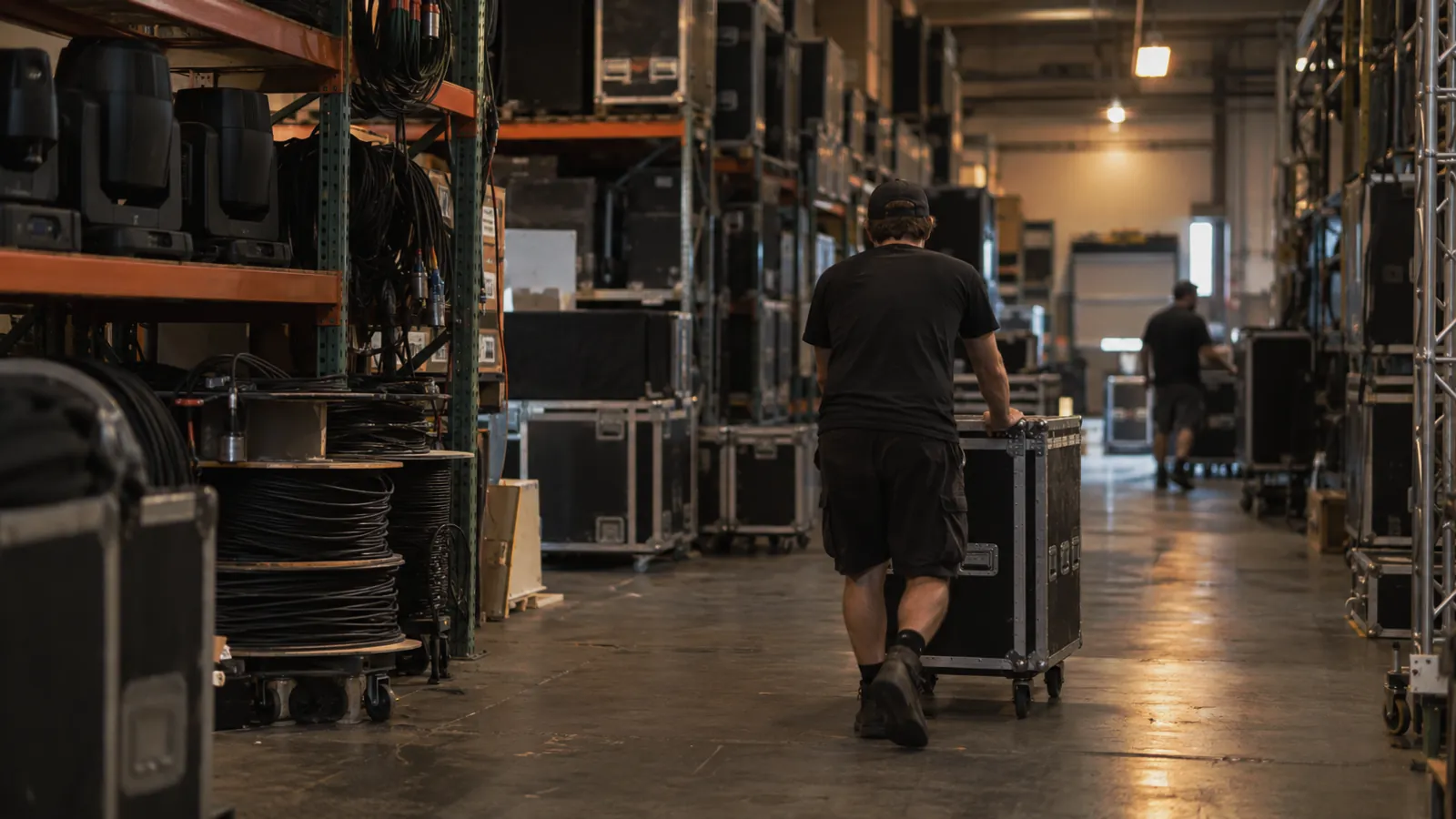
Walk into the warehouse of any AV rental house and you'll see the same thing. Hundreds of road cases that all look alike, each with a different mix of gear inside, each headed to a different city next weekend. The ops team has held it together for years on muscle memory, color-coded tape, and a heroic amount of texting. It mostly works. Right up until the night a $30,000 console ships to the wrong city.
QR codes on every case and every major piece are the simplest, cheapest fix there is. They've been around forever. What's changed is that the mobile and inventory software around them is finally good enough that putting codes on the gear is a one-day project instead of a three-month rollout.
What you tag, and what you don't
The first question is always how far down to go. Tag the case, every mic, or the cables too? Tag everything you'd be upset to lose, and accept that the long tail of XLR cables is going to be a quantity on a list rather than a hundred individually tracked items.
A sensible place to start:
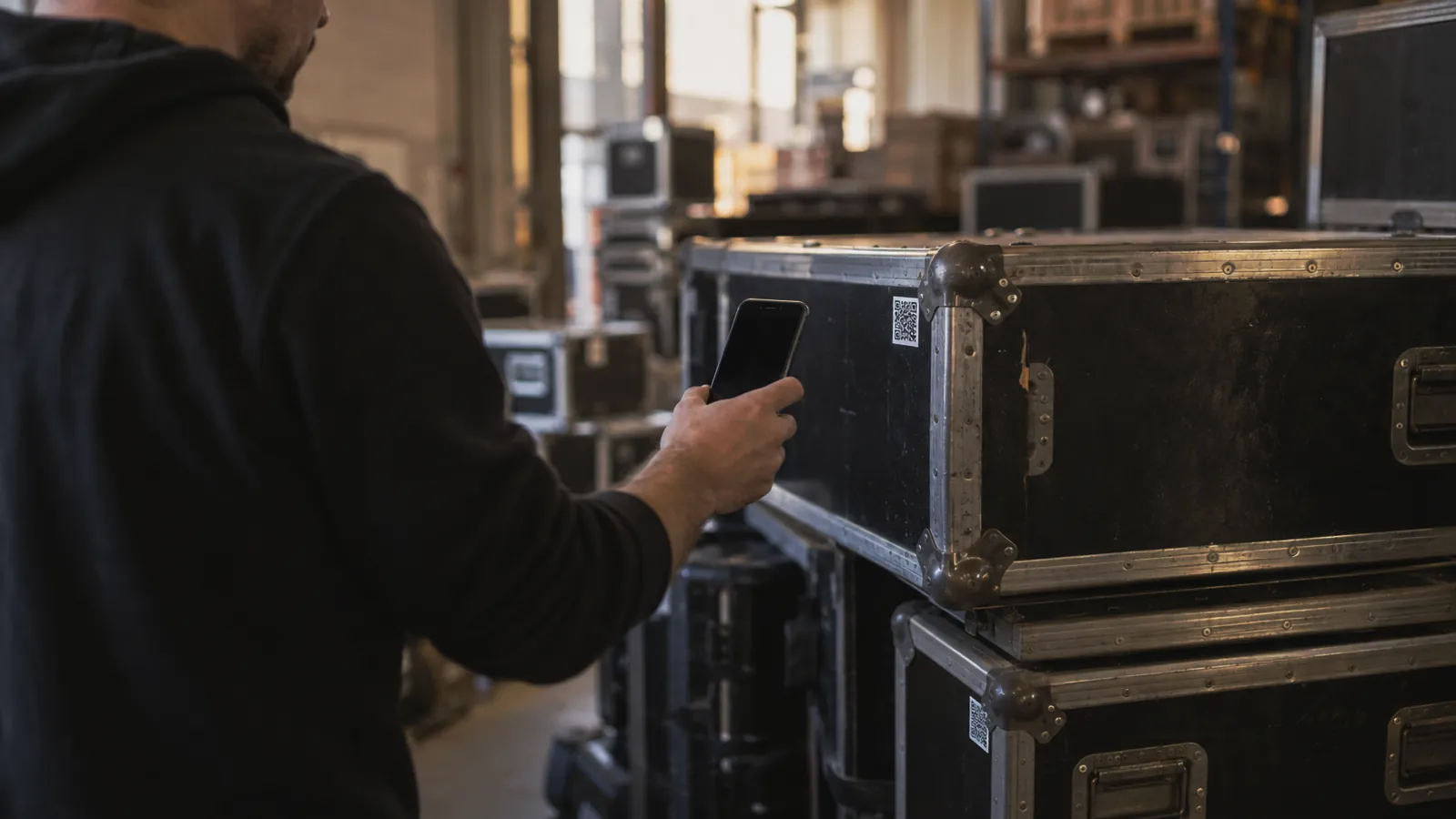
- Every case. Label on the outside, scannable from across the loading dock.
- Every major piece of gear. Consoles, amps, lights, cameras, lenses, processors. The expensive, the fragile, and the specific.
- Sub-items inside cases, by description and quantity, not individually tagged. Scanning the case opens its contents.
- Consumables and bulk. Gaff tape, batteries, simple cables. Counted by quantity in a known location, no tags at all.
The 80/20 rule applies hard here. Tag the most valuable third of the inventory and you've captured nearly all of the benefit.
Check-out and check-in, on a phone
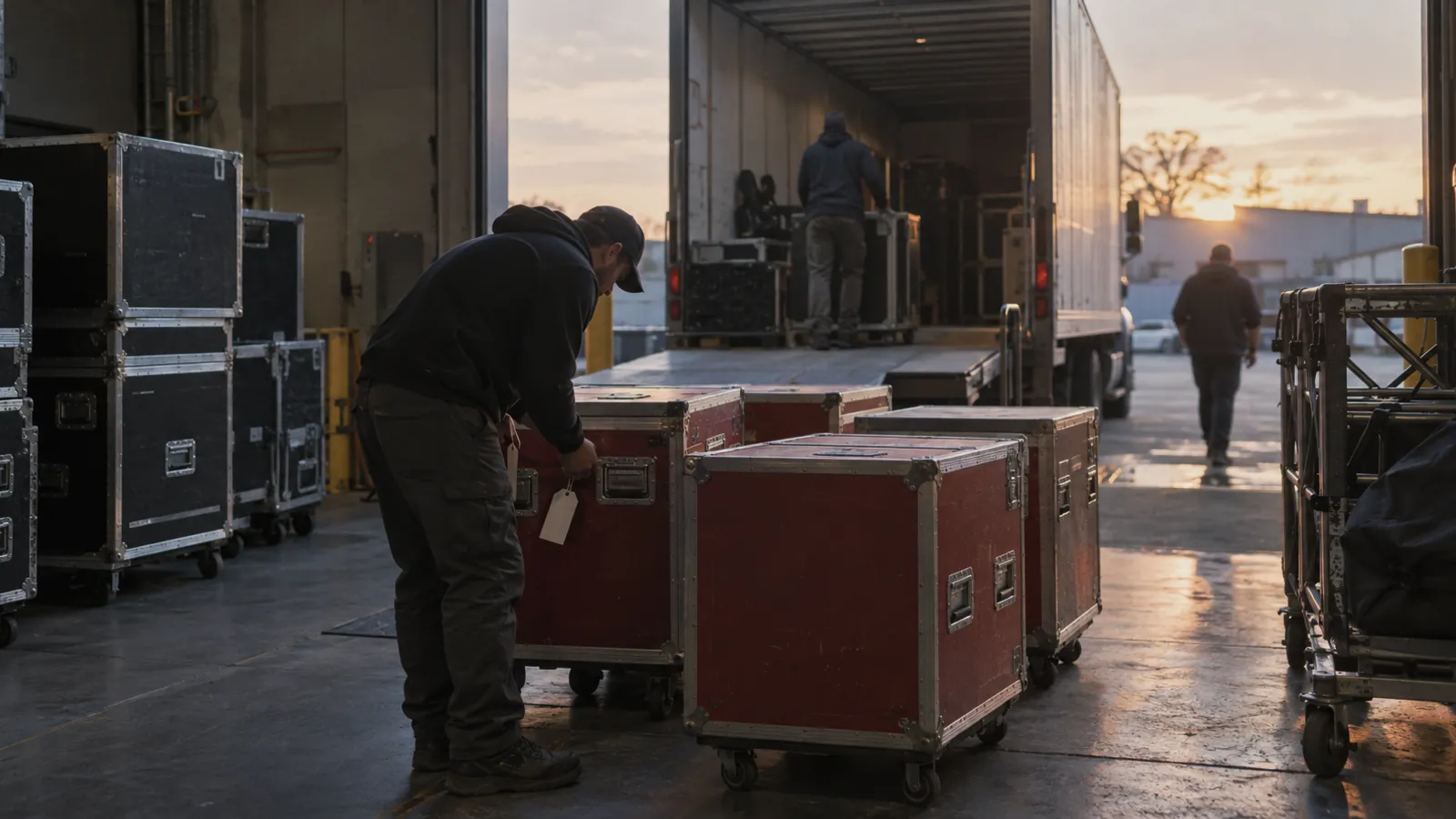
Once it's running, the flow is simple. A show is being prepped. The crew scans each case and item as it goes on the truck, and the system records what left, when, and for which job. When the truck comes back they scan again and the system reconciles. Anything that didn't return gets flagged right then, while the truck is still at the dock and the crew still remembers what happened to it.
Compare that to the old way. A printed pull list, items ticked off by hand, an hour of reconciliation at the office two days later, and a guess about whether the missing wireless pack is really gone or riding around in the back of someone's car. Scanning on a phone removes a whole category of low-value labor and a whole category of inventory mystery in one go.
Maintenance flags belong on the item, not in someone's head
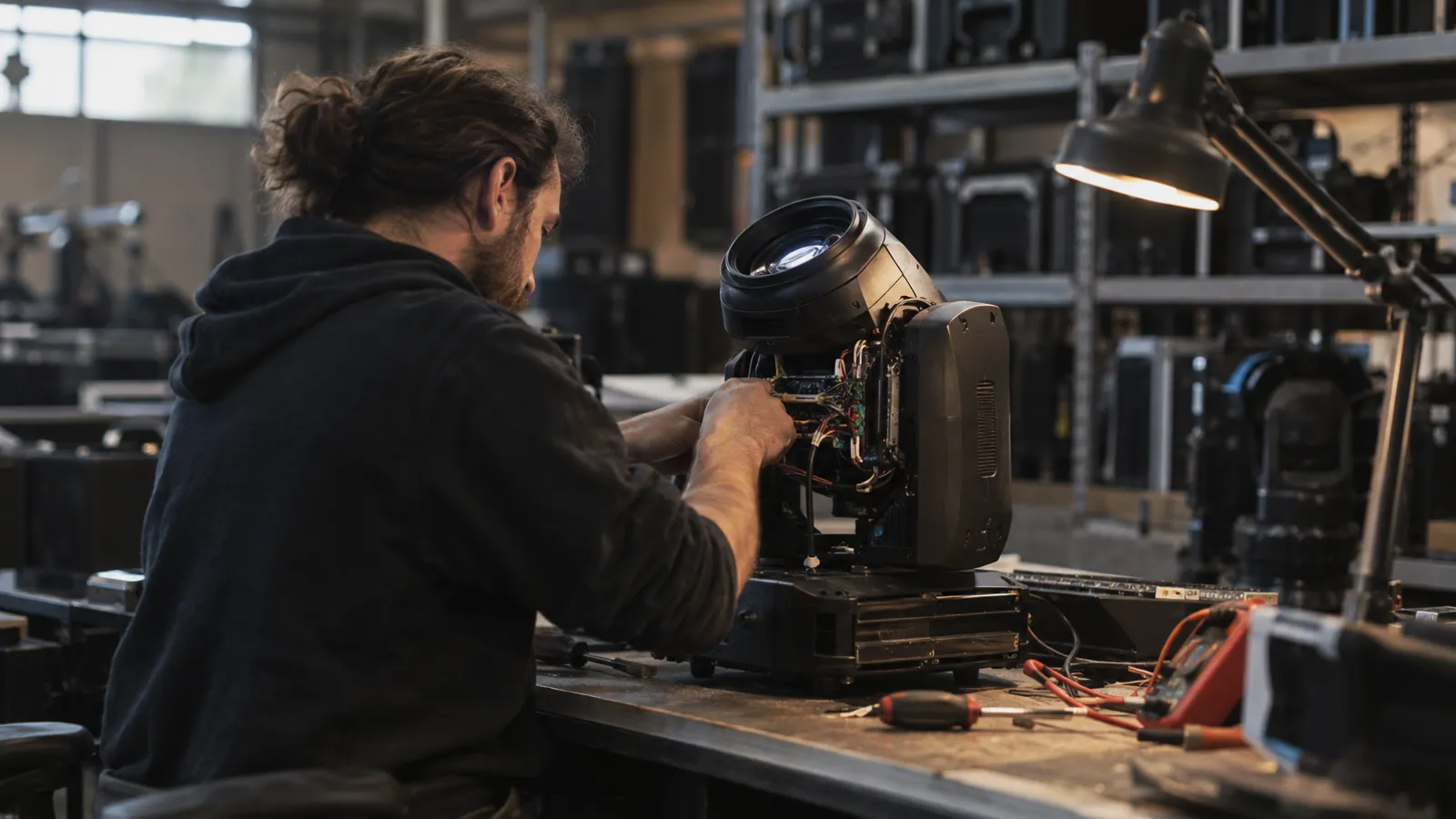
The second payoff is maintenance. A mic gets dropped, or a fixture comes back with a flicker. The tech scans it and flags the problem on the spot. The item moves into a maintenance queue and doesn't ship on the next gig until someone signs it off. The flag travels with the item. It isn't a sticky note that fell off the case, or a Slack message that scrolled out of view, or an email nobody opened.
For a house running hundreds of pieces, that is the difference between "we're pretty sure that one is fine" and "it works, it was tested last Thursday." Clients can hear the difference in your voice, and they call you first for the next show.
What to do about the labels themselves
A few practical notes, learned the hard way. Use durable labels. A sticker that peels off in three weeks is worse than no sticker, and industrial polyester or anodized aluminum tags are cheap insurance. Put them in the same spot on every case and the same spot on every fixture, so the crew can scan without hunting. Keep the human-readable text large: the QR code is for the scanner, but the visible item ID is for everyone else, and both belong on the tag. And plan for re-labeling, because roughly one label in fifty is going to come off every year. Have a way to reprint it without recreating the record.
What it changes for the business
Once the system is in, three things happen quietly. Pull-list errors drop toward zero. Damage and loss claims stop being arguments and become facts. And the warehouse team stops being the ceiling on growth, because each additional show takes less coordination than the last.
That last one is the real prize. A rental house's ceiling is set by how much gear it can keep track of, not by how much gear it owns. QR-coded inventory raises that ceiling without a single new hire, which is about the best return most operators will ever get on a software decision.