
Interior design receiving

Every piece received, inspected, stored, and installed on the record

Designers want one answer to one question: where is my client's sofa and what condition is it in? Stowley gives the receiving warehouse, and the design firm running its own, a per-piece record from dock to install, with a portal the designer actually opens.

See pricing
An interior designer at a worktable with fabric swatches and a laptop
Per piece
photos and condition at the dock
By project
portal view for every designer
Monthly
storage billed, prorated to the day

Before Stowley

  • 'Did the dining chairs arrive?' asked by email, twice
  • Damage found at install with no photo from receiving
  • Storage charges rebuilt by hand at month end

With Stowley

  • The designer opens the portal and sees the chairs, photographed, in bin B-04
  • Dock photos and the condition report settle the claim in a minute
  • Storage bills itself on the first, per piece, prorated
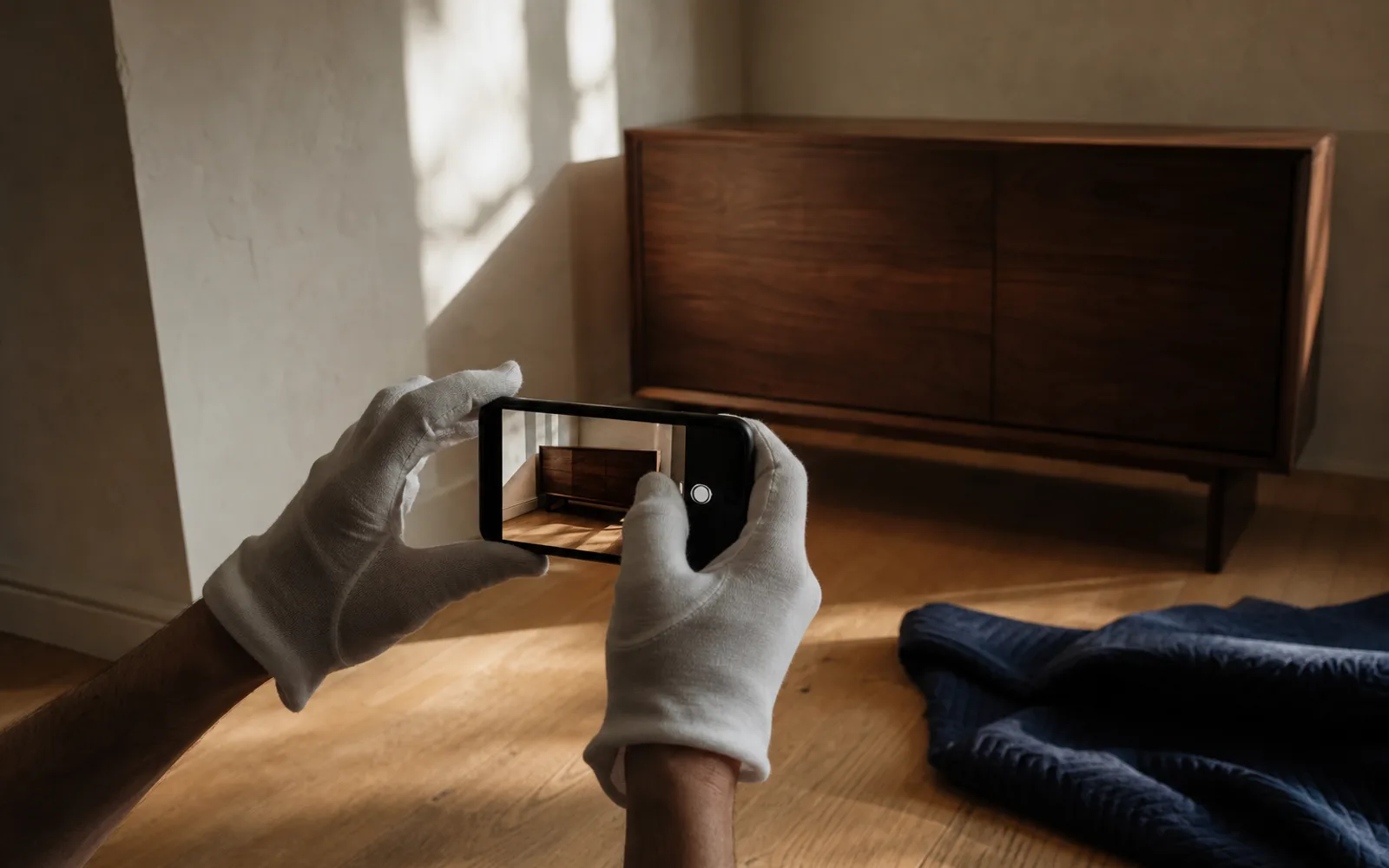
White-gloved hands photographing a just-delivered wood sideboard with a phone

01

Inspected and photographed at the dock

Log the inbound as a request with the expected pieces and sidemarks. Receive line by line from a phone, photograph each piece, note condition, and flag vendor damage on the spot. The receiving report, with photos and the signature on file, prints itself.

Business client at a bright office desk looking up from a laptop, boxed inventory on the shelves behind

02

The designer sees it from their desk

Each designer logs in to a portal scoped to their items, organized by client and project: photos, sidemarks, condition, and where each piece sits. They request a delivery or an install, message your team, and review documents without a single email.
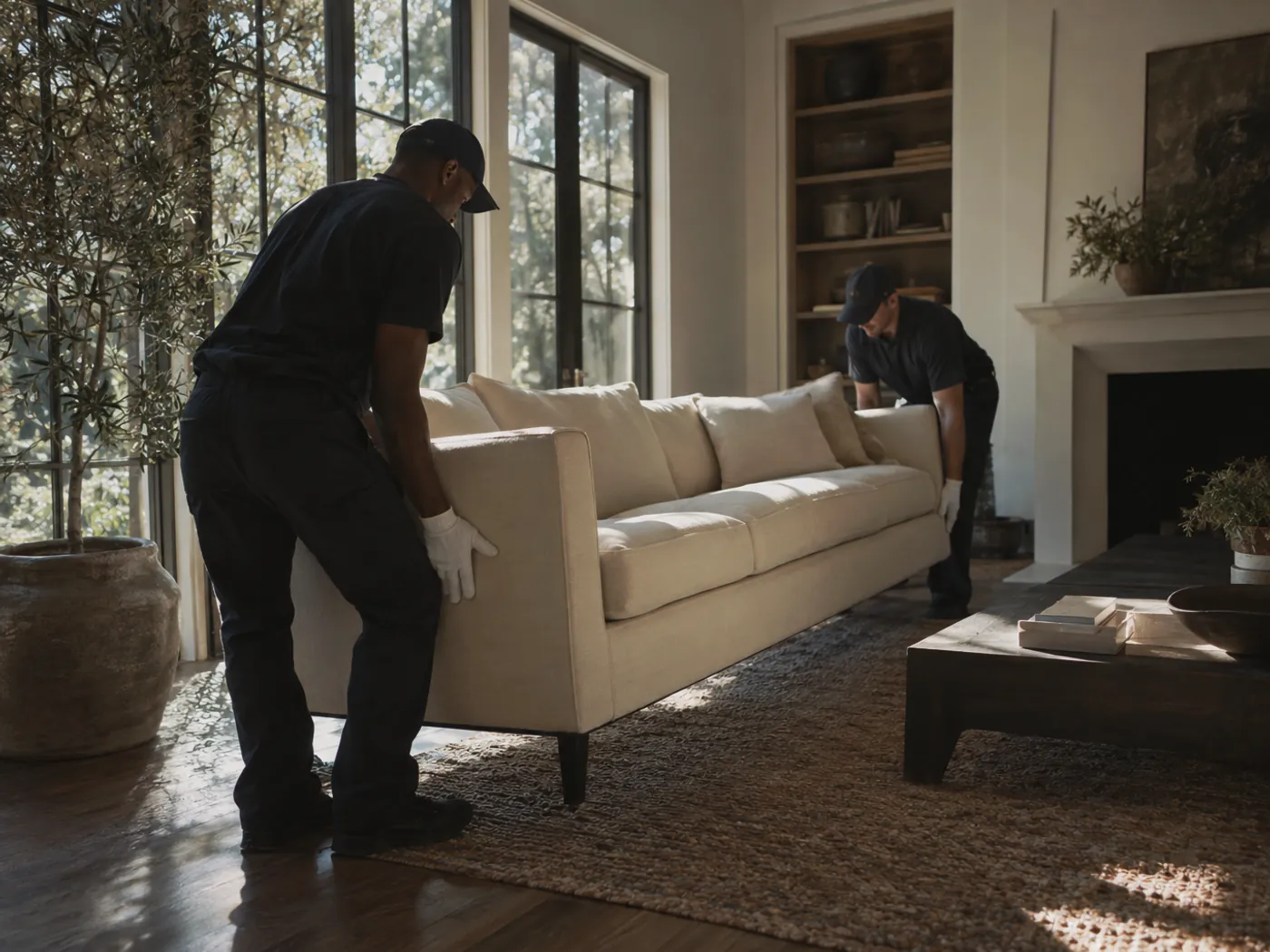
White-gloved handlers positioning a designer sofa in a sunlit, styled living room

03

Installed on the day the designer booked

Publish delivery windows and let designers book one from the portal, or book it for them. The crew gets the day's run on their phones, captures a signature and photos per piece at install, and the client gets a text when the truck is on the way.

Capabilities

Built for interior design receiving

Every capability below ships in Stowley today. No add-ons, no roadmap promises.

Receiving against the inbound

Inbound requests carry the expected pieces and sidemarks. Receive each line as it arrives, including partial deliveries, and the rest stays open until the vendor ships it.

Receiving reports designers forward

Every inbound prints a receiving report: what arrived, in what condition, with dock photos and the signature on file. On Premium and up it carries your logo.

Grouped by designer, client, and project

A designer is a client with projects underneath. Items roll up by project, sets stay together as item groups, and a multi-piece order is one record with its parts.

Condition reports with damage maps

Mark damage on a visual map with photos at receiving and again before delivery. The dated history is what settles the vendor claim. Advanced and up.

A portal the designer opens

Items, requests, messages, documents, and invoices, scoped to that designer's projects. Self-service on Advanced; your logo and colors on Premium and up.

Deliveries and installs on the schedule

Delivery and on-site install requests go to crews on an interactive schedule. Designers book from the windows you publish on Premium and up, and the shared calendar feed puts the job in everyone's calendar.

Storage and receiving billed from the record

Storage bills per piece on a monthly day, prorated to the day it arrived and the day it left. Receiving, handling, and delivery fees go on as invoice lines. Stripe auto-pay on Premium and up.

One thread per designer

Messages stay attached to the designer and their items instead of an inbox. Clients who opt in get texts when the crew is en route and when pieces are received.

Getting started

How it works

  1. 01

    Log the inbound as a request

    Expected pieces, sidemarks, and the designer it belongs to.

  2. 02

    Receive, photograph, and rack each piece

    Line by line from a phone; the receiving report writes itself.

  3. 03

    The designer books the install from the portal

    Crew runs the day, signs per piece, storage bills on the first.

From the blog

Designer Receiving: How White-Glove Warehouses Win and Keep Interior Designer Accounts

Interior designers need one place to receive, inspect, store, and install. Here's the receiving workflow that turns a designer into a repeat account.

Read the guide

FAQ

Frequently asked

The questions operators in this space ask us most often.

See all industries
Is this for receiving warehouses or for design firms?
Both. A receiving and white-glove warehouse sets each designer up as a client with their projects underneath, and bills them for receiving and storage. A design firm with its own warehouse sets up its clients the same way, tracks every piece by project, and schedules its own installs. The record and the portal are the same; who pays whom is different.
Can a designer see only their own projects?
Yes. Portals are strictly scoped to the client they belong to. A designer sees their items, requests, messages, documents, and invoices and nothing from any other account. Within their portal, items are organized by project.
How do receiving reports work?
Each inbound request lists the expected pieces. As your team receives each line from a phone, they photograph it and record its condition. The receiving report, with photos and the signature on file, is generated from that and can be downloaded or sent. On Premium and up it carries your logo instead of ours.
What happens when a piece arrives damaged from the vendor?
Flag it at receiving with photos and, on Advanced and up, a condition report with a damage map. The dated record shows the piece arrived that way, which is what the designer needs for the vendor claim and what protects you at install.
How is storage billed?
Per piece or flat monthly, on a billing day you choose, prorated to the day each piece arrived and the day it left. Receiving, handling, and delivery fees go on as invoice lines. Designers pay by card or ACH in the portal, with auto-pay on Premium and up.
Can designers book deliveries and installs themselves?
On Premium and up, yes. You publish the windows you can offer and the designer picks one from the portal. On every plan, your team can schedule the delivery or install request and the designer sees it in the portal and on the shared calendar feed.

Live demo

Walk a piece from the dock to the install

Open a ready-made demo with sample designers, projects, and inbound orders. Receive a piece from a phone, open the designer's portal, book a delivery window, and run a billing day.

Request a Tour

Quick email check-in for a demo. No strings attached.