AV Rental Inventory Management: From Spreadsheet Chaos to One Source of Truth
Sub-rentals, multi-day events, and gear that walks. Modern AV rental inventory software has to handle the messy reality of event production.
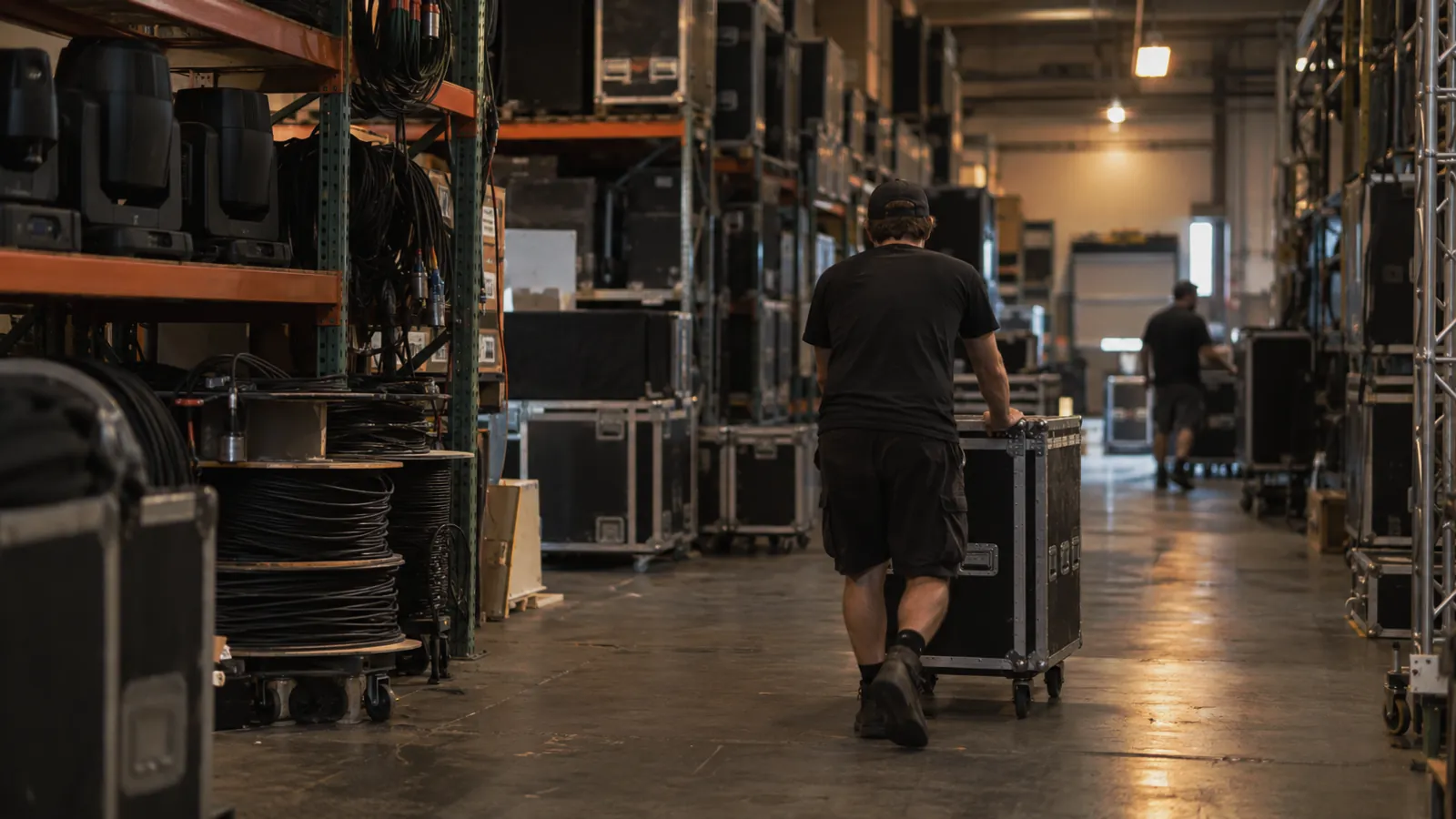
Ask the owner of any AV rental shop where the inventory data really lives and, after a pause, you'll get the same answer. Three places. There's the official inventory system. There's the whiteboard that covers one wall of the prep bay. And there's the master Excel file the senior tech keeps on a USB drive and has never once shared. All three disagree, usually on a Tuesday afternoon.
Nobody in that shop is lazy. The software just wasn't built for them. Most "rental software" grew up in tool rental or party rental, where a tent goes out and a tent comes back and the SKU is the SKU. AV doesn't work that way. The gear has serial numbers that matter. Packages get built and torn down between every gig. Sub-rentals fill the gaps with equipment from competitors you'll wave to at the loading dock. And gear walks, because a tour forgot which case belonged to whom.
What AV rental inventory software has to handle
Five things separate a real AV rental system from a generic rental tool. Miss any one of them and the whiteboard comes back.
- Serial-number tracking. Not "we have eight EV ZLX-12s." Which exact unit went on which gig, when it was last serviced, and what firmware it's running. You'll want that for the warranty, for the service history, and for the call about the speaker that hummed all through the toast.
- Package and sub-package management. A "small wedding package" is twelve serialized items in three road cases. The system has to build, edit, and dispatch it as one thing while still knowing every item inside.
- Conflict detection across overlapping bookings. A corporate event runs Thursday through Saturday. A Friday night concert wants the same line array. The system should refuse the double-book before the salesperson hangs up, not after.
- Sub-rental ledger. Keeping track of gear you don't own but are responsible for is its own bookkeeping problem. Where it came from, what it cost, when it has to go back, and which gig billed the client for it.
- Mobile prep and check-in. Techs in the prep bay scan the QR code on a case, confirm the contents, and flag what's missing, all from a phone. No clipboard.
If the software you're looking at does four of these and waves vaguely at the fifth, the fifth one becomes the spreadsheet everyone secretly uses.
The QR code conversation
The best money most AV shops can spend is on putting QR codes on every road case and tying each code to a contents manifest. The case starts describing itself. A tech scans it on the way out the door, the system checks what should be inside, and the gig manifest fills itself in.
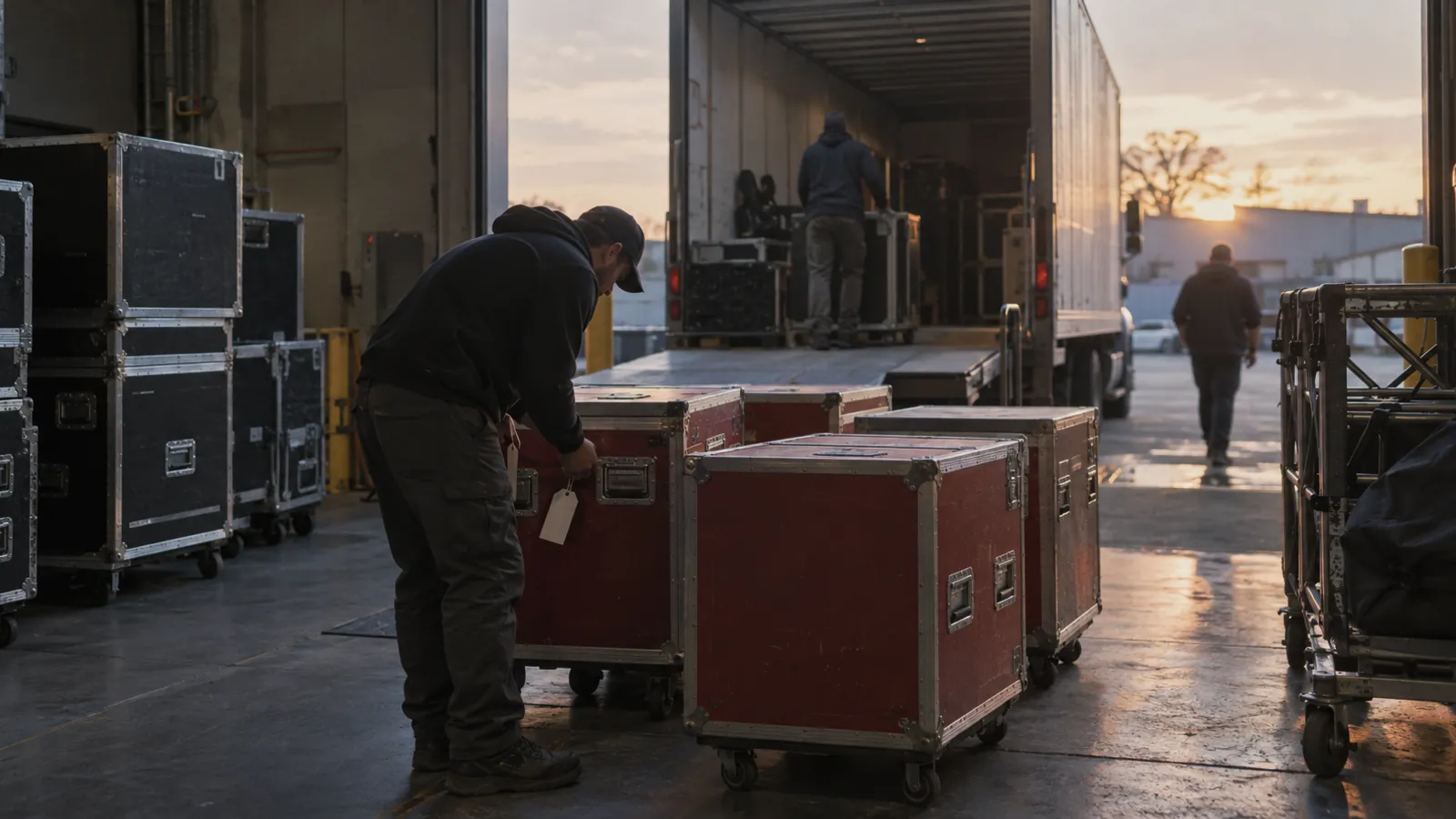
Coming back is the same thing in reverse. Anything missing flags while the truck is still half unloaded and the crew is still standing there, instead of three days later when nobody can remember which gig had the wireless pack. The return scan also feeds maintenance and downtime tracking, so a console that comes back with a dead fader actually opens a service record instead of going on the "we'll deal with it Monday" shelf.
Where teams over-engineer
The classic mistake is trying to barcode every XLR and every power strip. The admin work drowns whatever value was there. For most shops the right level is road cases, racks, and the high-value individual pieces: line arrays, consoles, wireless racks, switchers, projectors. Cables and other consumables belong on the case manifest. They don't need their own serialized record, and nobody will maintain one.
The reporting that pays for the software
Three reports earn the subscription back inside the first quarter.
Utilization by item tells you which serial numbers are out more than 60% of the time and which ones are paperweights. Sell the paperweights. Buy a second one of the workhorses.
Sub-rental spend by client shows whether your "best" client is still your best client once you net out the gear you have to rent in to cover their gigs. Sometimes the answer stings.
And loss and damage by gig type shows which kinds of jobs are quietly expensive. Usually that means repricing them. Sometimes it means you stop taking them.
Most shops never run any of these, because the data is split across the system, the whiteboard, and the USB stick. Put it in one place and the reports take seconds, and the Monday decisions get a lot sharper.
What good looks like
You'll know you picked the right AV rental software when the prep bay whiteboard slowly goes blank. Techs stop writing things down because the system already knows. The owner stops walking the warehouse on Friday night to see what's really on the trucks. The Monday conversation moves off "what happened" and onto "what do we want to change."
That's the whole job of AV rental inventory software: get you out of reconciling last week and into planning next week. Anything less is a more expensive spreadsheet.