How to Set Up an Inventory Management System for a Small Business
A working inventory system is a set of habits before it is a piece of software. Here is the order to build it in, from the first labeled shelf to the first low-stock alert.

Most small businesses do not decide to build an inventory system. They back into one. A spreadsheet appears because somebody ordered packing tape twice. A shelf gets a sticky note. Then one morning a customer asks whether the walnut sideboard is still in the back, and three people go look, and the answer is three different answers.
That is the moment to set up a real system. Not a big one. A real one, meaning a set of habits that survive a busy week, with software underneath that makes the habits easier than the alternative. This is the order that works, whether you are tracking your own stock, equipment you lend out, or items you hold for clients.
Start with what you own, not with software
Before you compare apps, walk the building with a notepad and write down every category of thing you need to find later. Packing supplies. Tools. Demo units. Returned goods. Client property. Spare parts. Most small operations land on five to ten categories, and the list tells you more about what the system has to do than any feature chart will.
Two questions matter for each category. Do you need to know how many, or do you need to know which one? A case of bubble wrap is a quantity. A client's sideboard is an individual with a photo, a condition, and a location. Most businesses have both, and the software needs to handle both without making you pretend a chair is a stock-keeping unit of one.
Decide what counts as an item
The fastest way to wreck a new inventory system is to track at the wrong level. Track every screw and nobody will keep the counts up. Track a whole pallet as one record and nobody can find the one carton on it.
The rule that holds up: an item is the smallest unit someone will ask you for. If customers ask for a single chair, the chair is the item. If they ask for a box of fifty hinges, the box is the item and its quantity is fifty. Write the rule down. The second person you hire will need it on their first day, and the item versus pallet decision is the one that is hardest to undo later.
Give every item a photo and a label
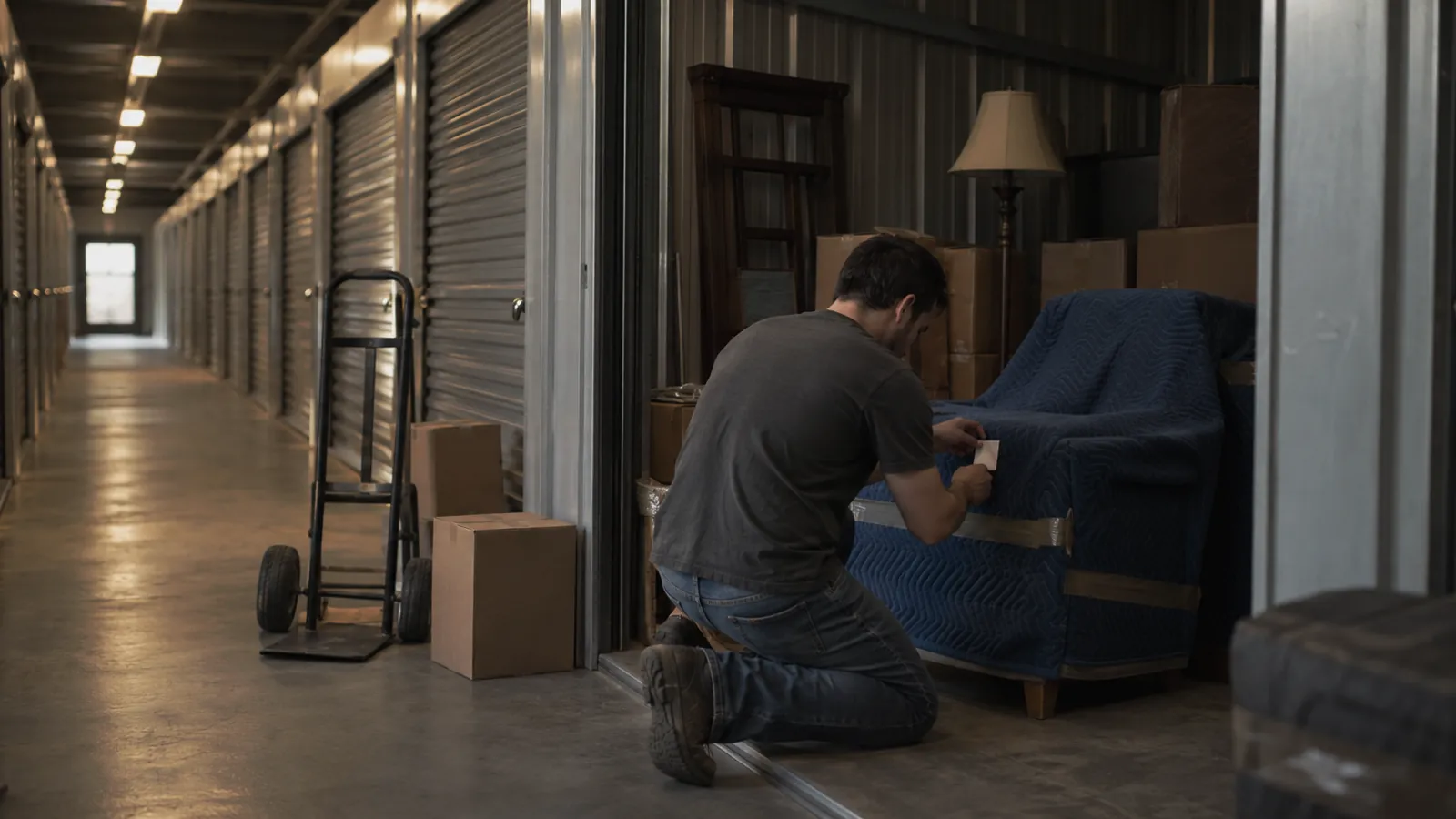
Photographs do more work than any field you can type. A photo at intake settles arguments about condition, lets a new hire recognize a thing they have never seen, and makes a client portal worth logging into. Take the picture with the phone at the moment the item arrives, before it goes on a shelf, with enough context to show size.
Then label it. A small QR label on every item, or on every bin for quantity stock, is what turns the phone into a lookup tool. Scan the label, see the record, update the count, done. Your label printer can be a sheet of Avery labels through an office printer on week one; a roll printer can come later when the volume justifies it. If you are weighing QR against linear barcodes, the short version is that QR codes scan from any angle on a phone camera and hold a link, and that is what most small operations want.
Set up locations the way the building is laid out
Software locations should match the physical space closely enough that a new person can find a bin from the record alone. Warehouse, then zone, then aisle, then shelf or bin is the standard hierarchy, and it scales from one room to three buildings. Name the physical shelf before you name it in the app. If the sign on the rack says B3, the record says B3.
Resist the urge to invent a clever coding scheme on day one. Plain names that match signage beat clever codes that need a key taped to the wall.
Record quantities and set low-stock points
For quantity items, enter the count you have now, not the count you wish you had. Then set a low-stock threshold on anything you would be embarrassed to run out of. A reorder point is just the quantity you use between placing an order and receiving it, plus a cushion. For packing tape that might be ten rolls. For a special-order foam insert it might be two.
Alerts are the part people skip and regret. An app that emails you when tape drops below ten rolls is doing the job your memory used to fail at.
Pick the software after the first hundred items
If you have done the steps above, you already know what you need from an inventory management app: photos per item, QR and barcode scanning from a phone, quantities with low-stock alerts, a location tree, custom fields for the things only your business tracks, and an export that gets you out cleanly if you ever change tools. If some of your inventory belongs to clients, add a portal they can log into, so the morning sideboard question answers itself.
Set the system up with your real first hundred items, not a sample. A hundred items is enough to find out whether the categories hold, whether the labels stick, and whether anyone on the team scans without being reminded.
Keep it honest with a monthly count
A new system is accurate the day you finish entering it and drifts every day after. A short count once a month, one zone at a time, catches the drift before it becomes a reconciliation project. Count by scanning, compare to the record, fix the record, and ask why for every variance bigger than one.
That is the whole system. Items at the right level, a photo and a label on each one, locations that match the building, quantities with alerts, and a count rhythm that keeps it true. Everything else is a feature you can add once this part is a habit.