QR Codes vs Barcodes for Inventory: Which One Belongs on Your Shelf?
Both get scanned. They do different jobs. How to choose between QR codes and linear barcodes for your inventory labels, and when to use both.
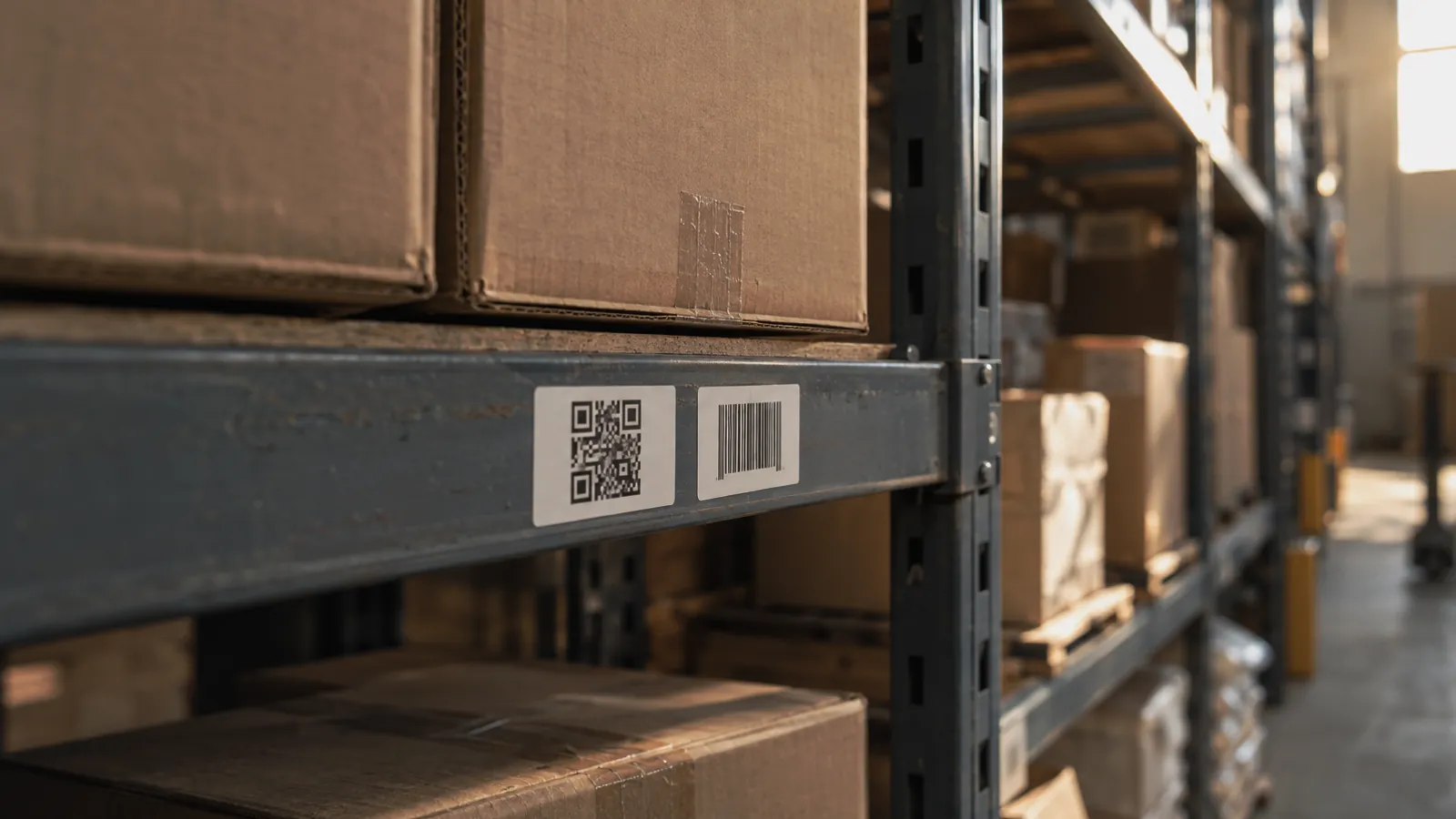
Walk into a stockroom that has been labeled over a few years and you will usually find both. Linear barcodes from the manufacturer on the carton, and square QR codes somebody printed later on the shelf edge or the item itself. They coexist fine. The question is which one you should be printing, and the answer depends on what you need the scan to do.
What a barcode actually stores
A linear barcode, the striped kind on retail packaging, encodes a short string of digits or characters. UPC and EAN codes identify a product type: this is a 12-pack of this brand of tape, the same number on every identical pack in the world. Code 128 can carry a longer string, so warehouses use it for internal numbers like a lot or a bin.
What it cannot do is point anywhere. A barcode is a number waiting for a database to give it meaning. That is fine inside a warehouse with a scanner tied to the system, and useless to anyone who finds the carton without one.
A QR code holds far more, up to a few thousand characters, and most inventory software uses that to store a link. Scan it with any phone camera and it opens the item record, a share page, or a check-in form. It also reads from any angle, survives a moderate amount of scuffing because of built-in error correction, and prints legibly at sizes down to about half an inch.
QR codes win for item-level tracking
If each thing on the shelf has its own record, because it is a client's chair, a rental fixture, a tool, or a one-of-a-kind piece, a QR label is the better fit. One label, one item, and the label links straight to that item's photos, history, and location. A phone camera is the scanner, so a new hire or a driver can scan without being issued hardware.
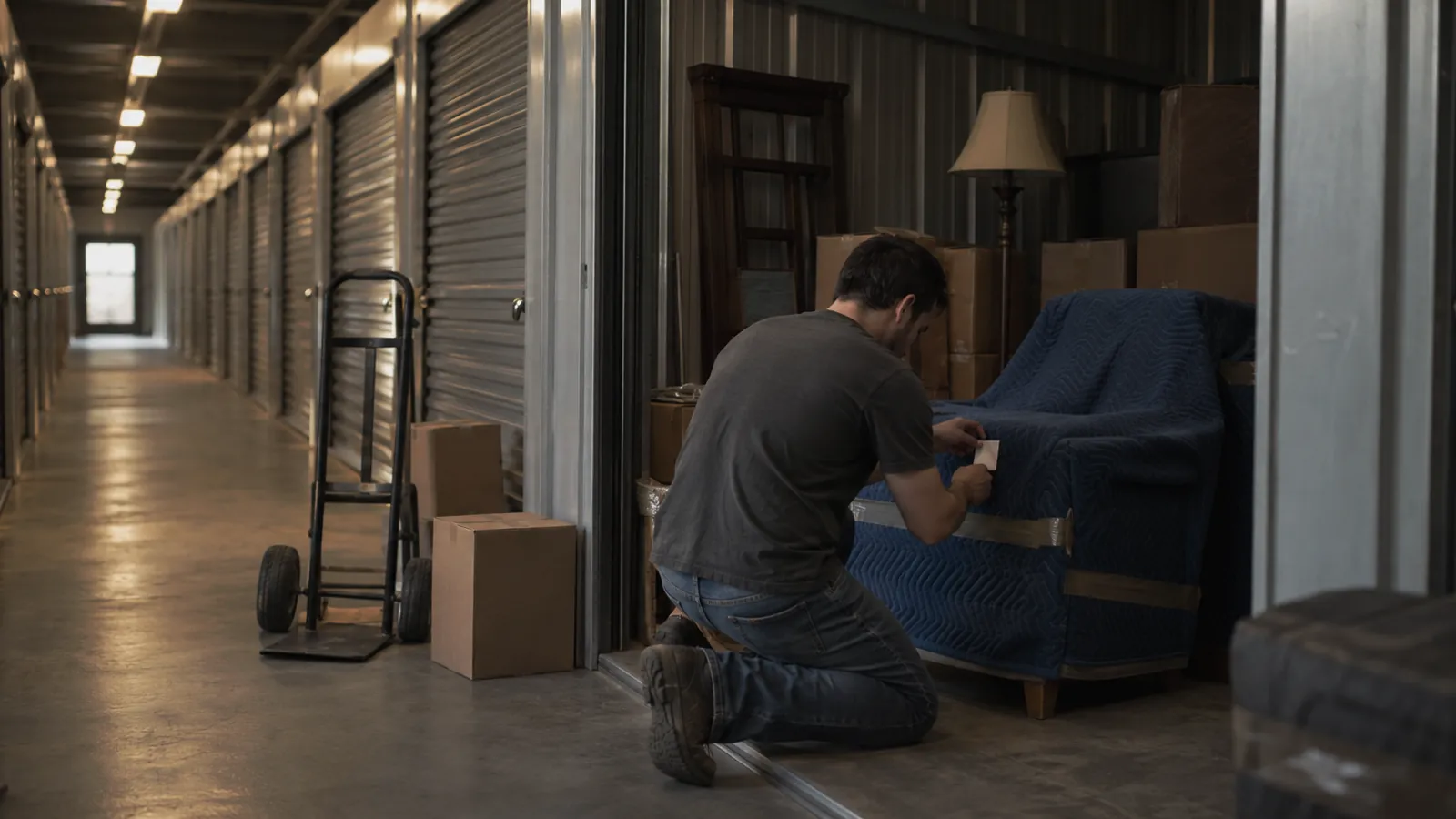
This is the pattern that AV rental warehouses and storage operators landed on years ago: a small QR sticker on every case and every piece, scanned at intake, at pull, at return. It works because the scan opens the record rather than just reading a number.
Barcodes win for products that already have one
If you stock items a manufacturer already labeled, scanning the existing UPC or EAN is faster than printing anything. A box of hinges arrives, you scan the barcode on the box, the system finds or creates the product, you enter the quantity, done. No printing, no sticking, and the same code works at every supplier and every reseller.
The hardware for linear barcodes is also mature and cheap. A wired or paired scanner in keyboard mode types the number into whatever field has the cursor, so it works with almost any software, including spreadsheets.
The practical answer is both
Most inventory operations end up with a simple split. Manufacturer barcodes get scanned as-is for quantity stock. QR labels get printed for anything you own or hold as an individual item, and for shelf locations, bins, and containers. A good inventory app reads both from the phone camera: QR plus UPC, EAN, and Code 128, with a paired keyboard-mode scanner working too for the high-volume receiving bench.
Two warnings from people who have labeled a lot of shelves:
- Print QR labels with a short human-readable name or number underneath. Phones scan, people read, and a sticker with only a square on it is a mystery the day the app is down.
- Pick a label material for the surface. Paper labels through an office printer are fine on cartons and bins indoors. Items that get handled, wiped, or shipped want a polyester or vinyl label from a roll printer.
Where RFID fits
RFID tags are the third option, read by radio without line of sight, so a reader can pick up dozens of tagged items in a pass. They cost more per tag, need a reader, and are worth it when you count the same high-value items constantly, as some rental and art storage operations do. For most small inventories they are a later upgrade, and a system that supports keyboard-mode RFID readers alongside QR and barcodes lets you add them to a few categories without relabeling everything.
A labeling plan you can start this week
Buy a sheet of removable labels for the shelves and a sheet of durable labels for items. Decide the item-level rule, meaning which things get their own code and which get counted. Print QR labels for the individual items and the bins. Scan manufacturer barcodes on anything that arrives with one. Put a readable name under every square.
Then test it with the person on your team least likely to read instructions. If they can find an item from a scan, the labels are doing their job.